See It in Action
From setup to sync in under 2 minutes
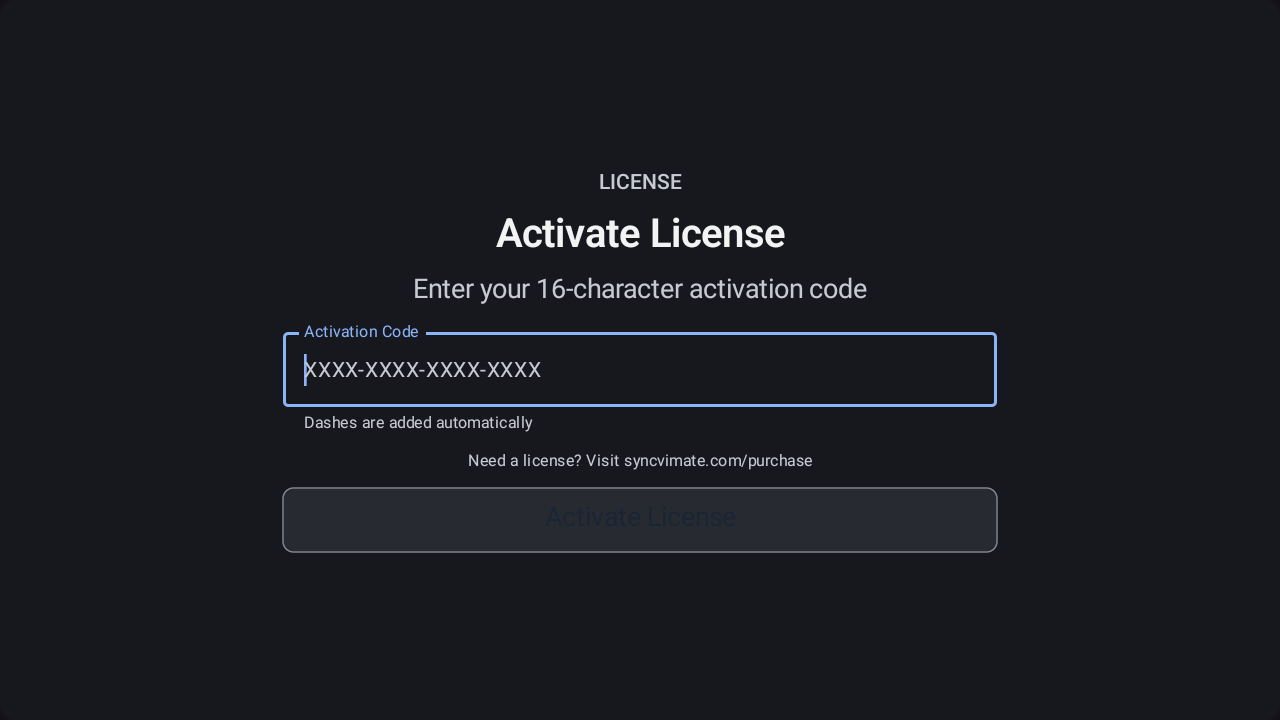
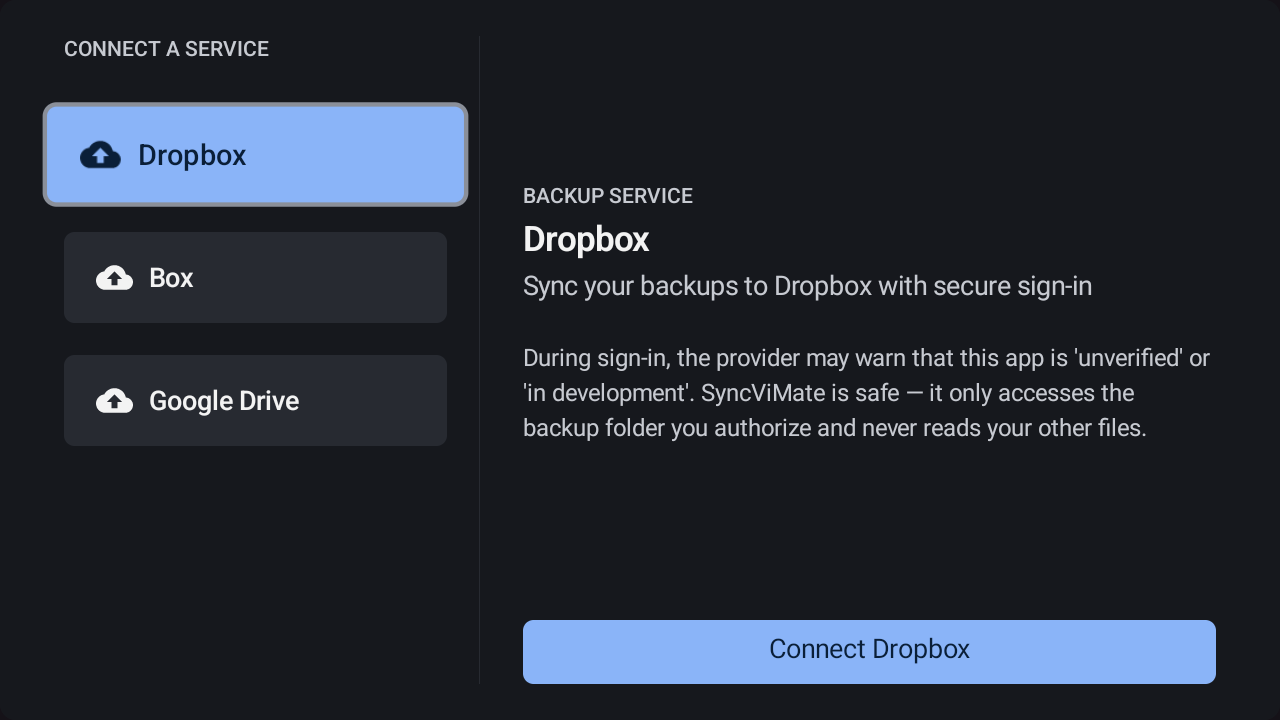
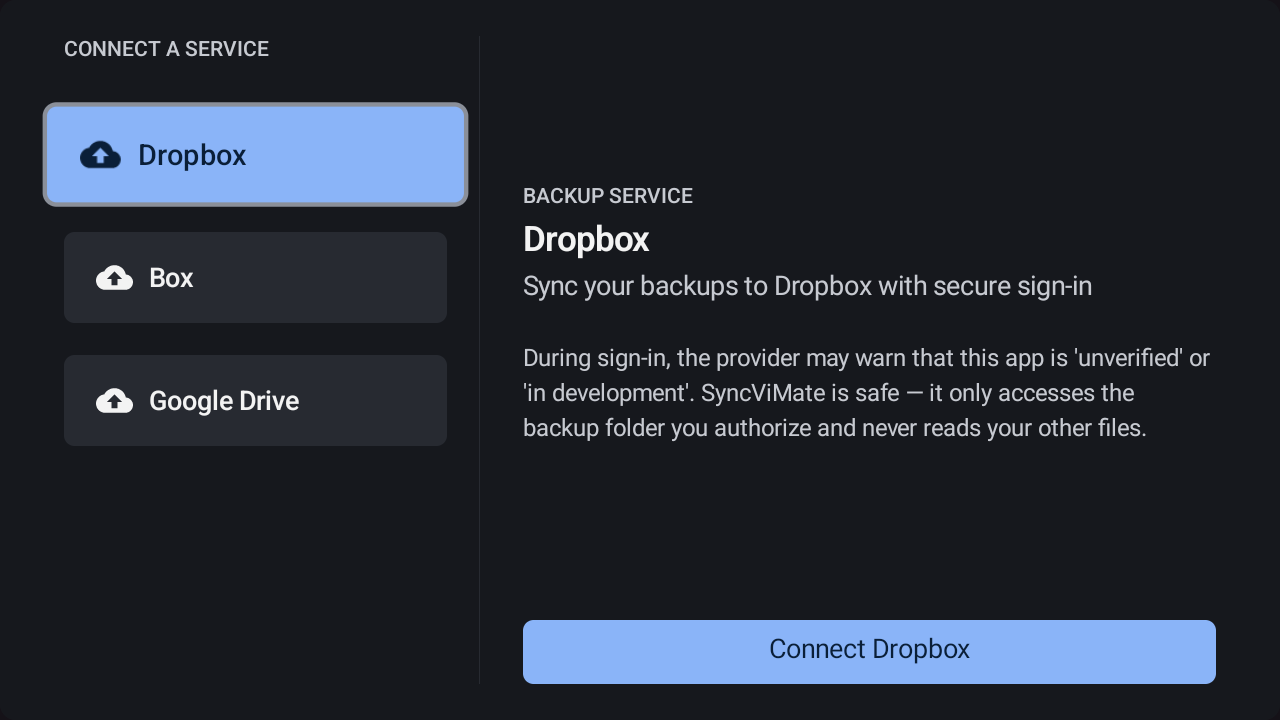
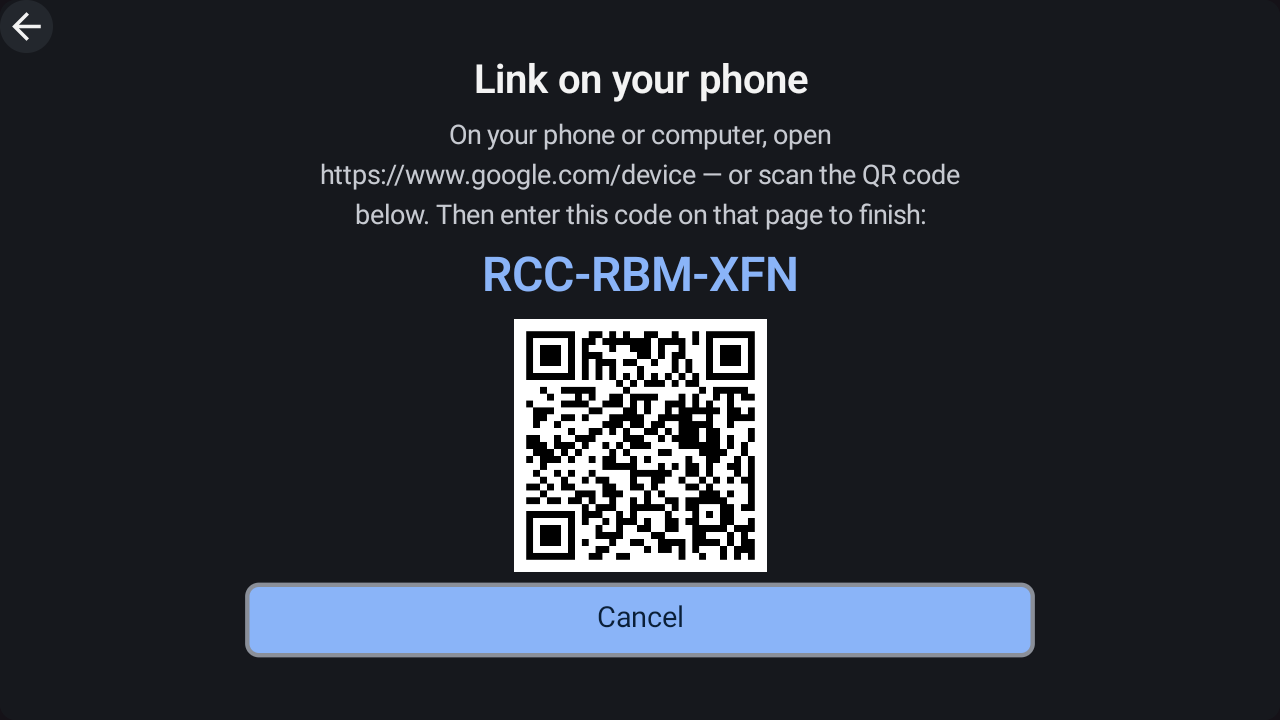
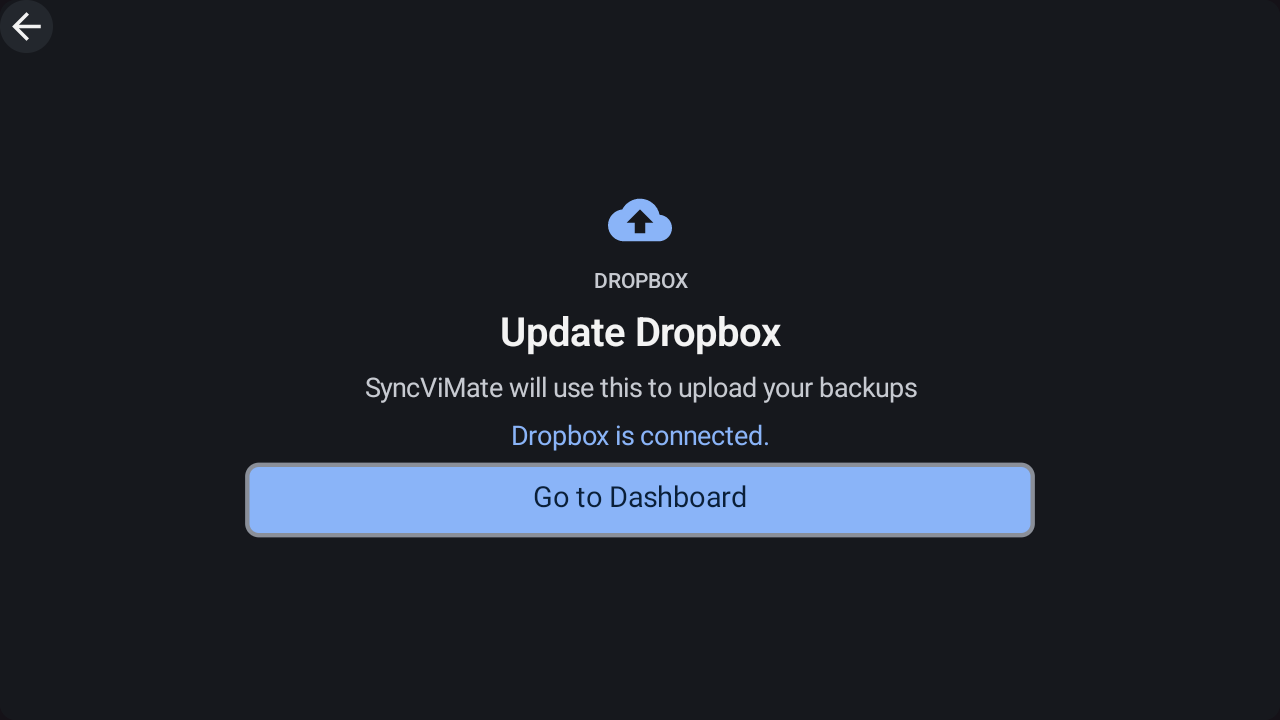
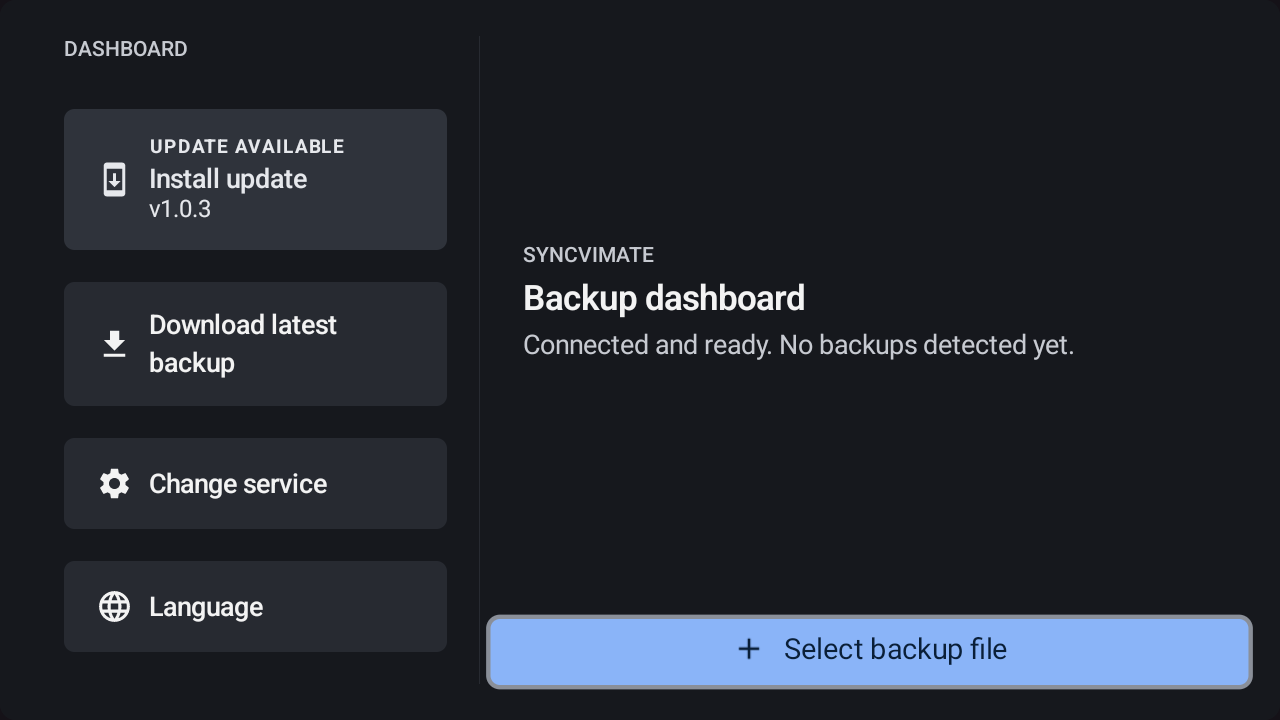
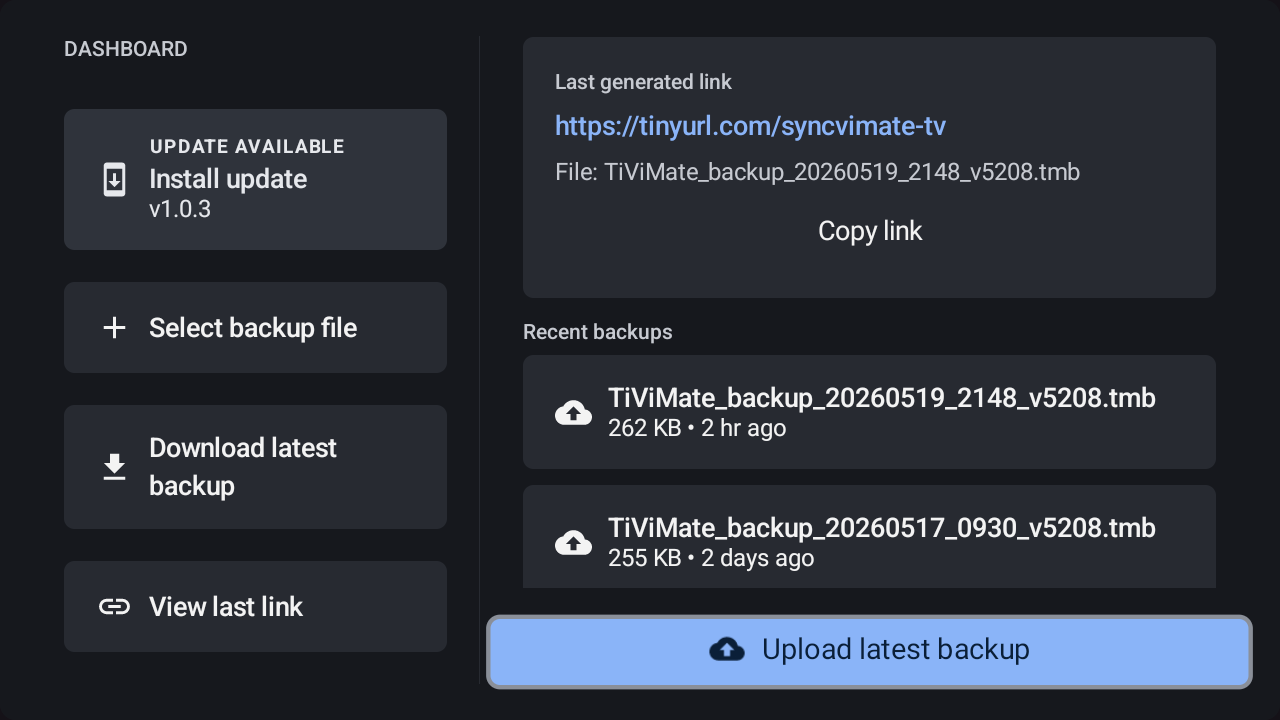
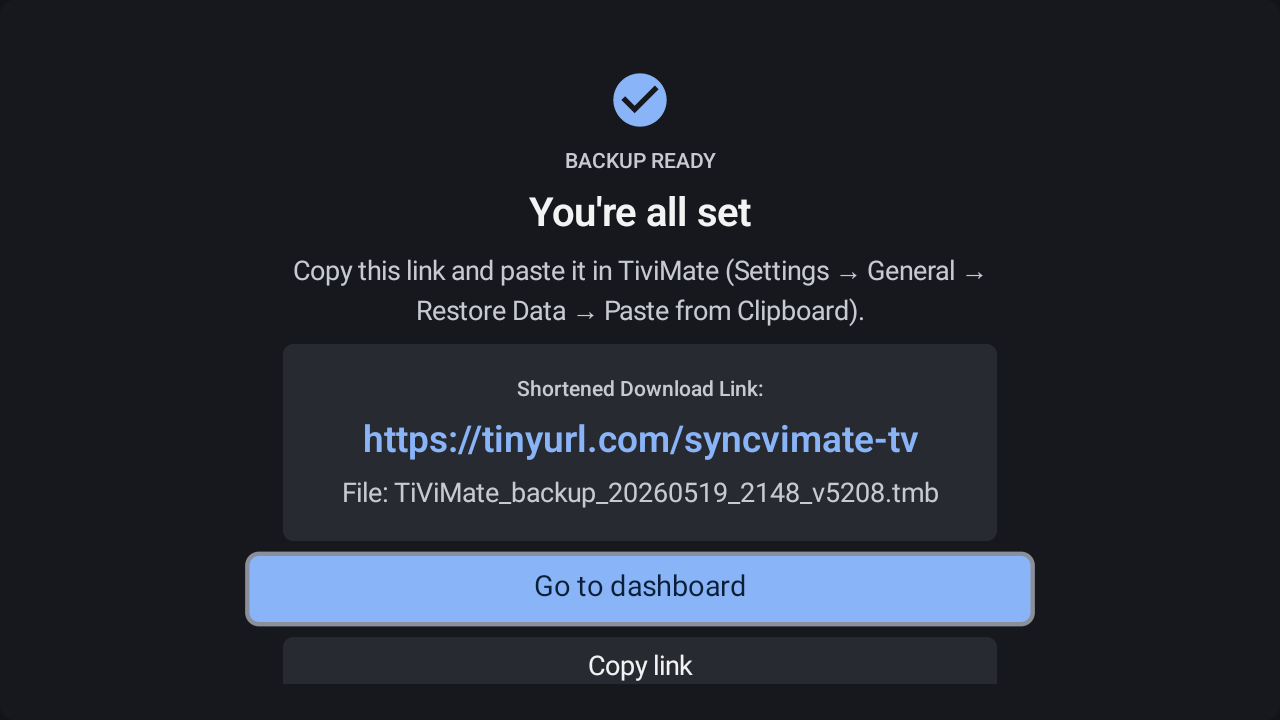
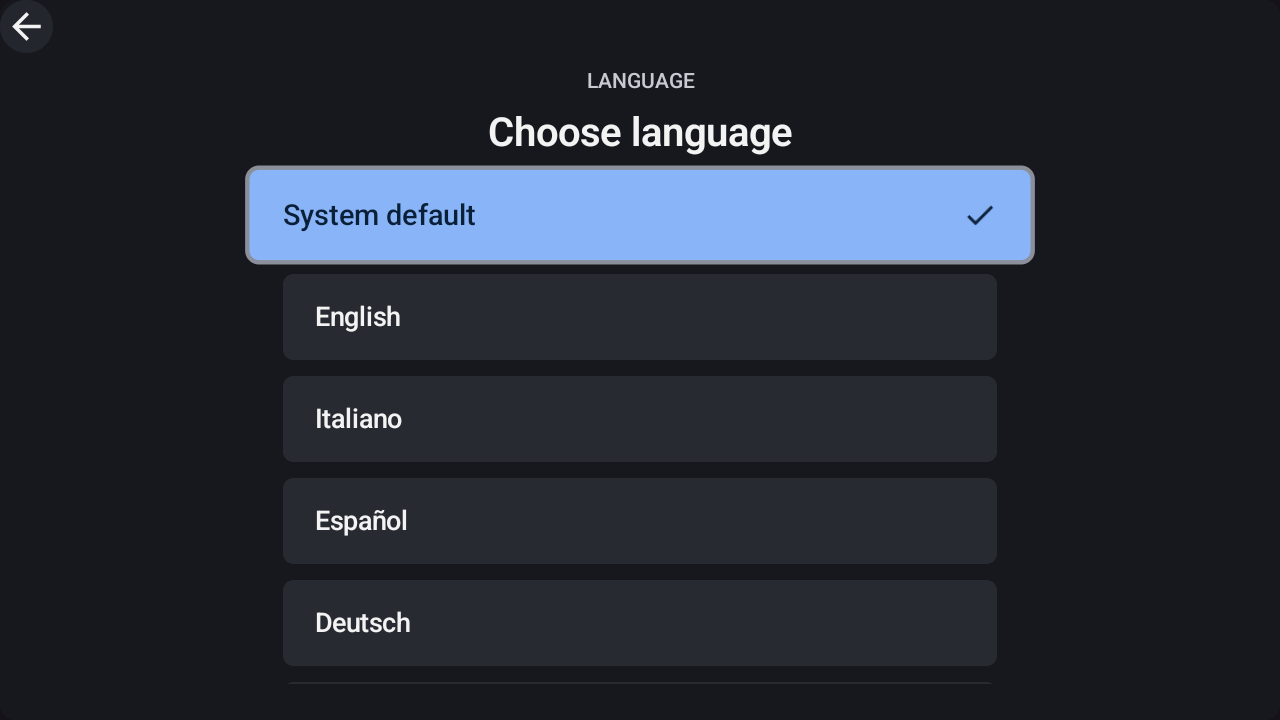
One backup, unlimited devices. Seamlessly sync your TiViMate IPTV settings, channels, and favorites across phones, tablets, and Android TV.
5 devices included • Cloud storage • One-time purchase
From setup to sync in under 2 minutes
Backup your TiViMate settings to Dropbox or Box and restore on any device.
Use on up to 5 devices simultaneously - phones, tablets, Android TV, and Fire TV.
Upload your settings with one tap or download your latest backup to any device. SyncViMate even auto-detects new backup files for you.
Your data stays in your own cloud storage. We never see your IPTV credentials or playlists.
Connect your cloud storage with a QR code. Setup takes less than 2 minutes.
No subscriptions, no hidden fees. Buy once, use forever on all your devices.
SyncViMate notifies you when a new version is available. Update with a single tap — no app store needed.
Get your activation code instantly after purchase. Valid for 5 devices.
Link your Dropbox or Box account with a simple one-tap sign-in.
Create a backup on one device, restore on another. It's that simple.
Install SyncViMate on your Android device, Fire TV Stick, or Android TV
Download the APK and sideload it on any Android device, Fire TV, or Android TV.
Download APKRequires Android 7.0 or higher
Already installed? The app will notify you when updates are available.
Use the AFTVnews Downloader app on your Fire TV or Android TV to install SyncViMate.
Enter this code in the Downloader app
Don't have Downloader? Get it here
Available for all Android devices
SyncViMate is a companion app for TiViMate. While it works with the free version, TiViMate Premium is recommended for the best experience.
We support Dropbox and Box. More services will be added in future updates.
Yes! Purchase a license on this website and enter your activation code in the app.
Each license supports up to 5 devices. You can deactivate old devices and activate new ones anytime. If you need more than 5 simultaneous devices, simply purchase an additional license with a different email address. For special enquiries or custom licences, reach out to Support.
Absolutely. All data is stored in your own cloud storage. We never have access to your IPTV credentials or playlists.
SyncViMate checks for updates automatically. When a new version is available, a banner appears on the dashboard — tap "Update Now" and the app downloads and installs the latest version for you. No app store or Downloader code needed for future updates.